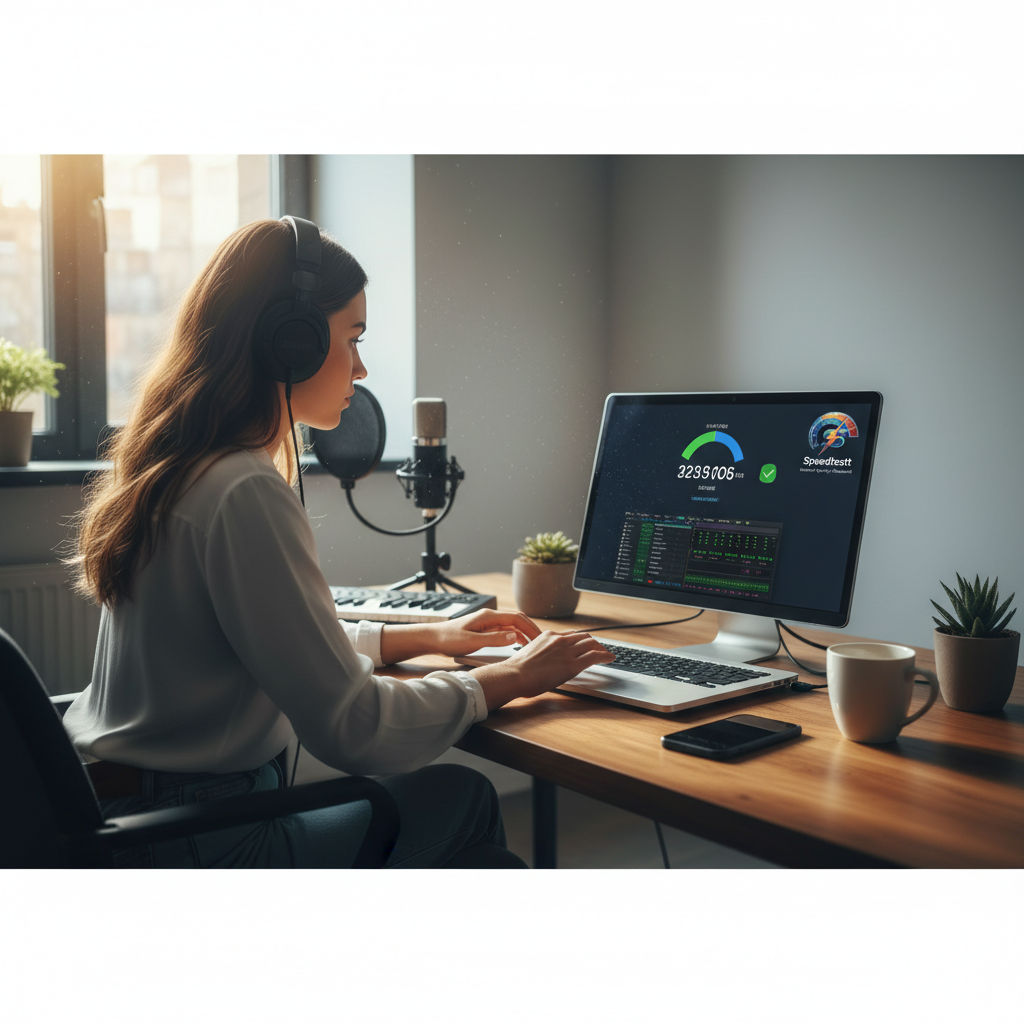
Your internet connection? For those of us in music and the arts, it’s not just some nice extra. No, it’s a key tool, completely vital for everything we do.
Honestly, from streaming that super-crisp audio or putting together an amazing virtual art show, all the way to collaborating on a new digital song with someone miles away, even broadcasting live shows—we need a dependable internet speed. No wiggle room there. But, you know, way too many creatives get stuck with buffering, annoying lag, and those frustrating dropped connections. You probably wonder if your internet provider is even giving you what they promised, right?
Well, this guide aims to show you how to truly use an internet speed test the right way, making sure your online art projects get the strong connection you’re actually paying for.

Key Takeaways
-
Your internet speed truly impacts your ability to create, share, and enjoy digital arts smoothly.
-
It’s super important to understand what metrics like Mbps, ping, and jitter actually mean for your connection.
-
Running an internet speed test regularly helps you check what your ISP claims and spot any problems.
-
You can actually tweak your network setup to make a big difference in your online experience for art projects.
-
Take charge! Learn to fix common issues and always demand the internet speed you deserve.
Table of Contents
-
The Digital Stage: Why Internet Speed Matters for Music & Arts Professionals
-
Understanding Your Internet Speed Test Results – The Artist’s Glossary
The Digital Stage: Why Internet Speed Matters for Music & Arts Professionals
For artists, musicians, writers, and even cultural spots, the digital space really opens up a ton of possibilities. Think about it: creating new things, working with others, or just getting your work out there. But here’s the kicker: all these amazing chances depend heavily on having a stable, speedy internet connection. Ever tried to prep for a big virtual gallery tour, only to be hit with blurry pictures and sound cutting out? Or maybe you’re a musician trying to sync up a new track with a bandmate on another continent, and even a tiny bit of latency messes everything up. It’s a pain, isn’t it?
Seriously, slow bandwidth can absolutely wreck how you get things done creatively. Uploading huge, high-res digital art files to your portfolio site, or live-streaming a concert in 4K? What about working on a writing project with someone in real time, or even just downloading those huge software updates for your music workstation (your DAW)? All of it demands some pretty hefty internet power. When your online experience isn’t up to snuff, it doesn’t just frustrate you; it can actually hurt your professional work and your reputation. Plus, it becomes super hard to tell if the problem is with your own gear or your internet providers, right?
A reliable internet connection is the backbone of modern artistic practice. Without it, your digital canvas, stage, or library remains out of reach. Ensuring your ISP delivers on its promise is not just about convenience; it’s about safeguarding your creative potential.
Understanding Your Internet Speed Test Results – The Artist’s Glossary
Okay, so you run an internet speed test, and you see a bunch of numbers. But what do they all actually mean? Knowing what these metrics are telling you is absolutely crucial for understanding how your connection meets your artistic needs.
-
Download Speed (Mbps): This one’s about how fast your device can pull stuff *from* the internet. We’re talking about streaming those gorgeous 4K films for inspiration, grabbing huge sample libraries, or diving into vast digital archives for your research. High download speed is your friend here.
-
Upload Speed (Mbps): Now, this shows how fast your device can *send* stuff *to* the internet. This is super important for musicians uploading finished tracks to distributors, visual artists sending giant image files to online galleries, or performers live-streaming their work. It’s what gets your art out there.
-
Ping (ms): You might hear this called latency, and it’s basically your connection’s reaction time. How quickly does your device get a response after it sends a request? A really low ping is absolutely essential for real-time creative work—think collaborative audio mixing, perfectly synchronized virtual dance practices, or interactive online shows. High ping? Prepare for noticeable delays, and who needs that?
-
Jitter (ms): This is just how much your ping changes over time. If you’ve got high jitter, things get messy. Live streams will look choppy, video calls will sound weird, and for a live musical performance or a virtual art critique? Disaster waiting to happen.
So, here’s a quick look at what speeds you should aim for with some common artistic tasks:
Artistic Activity Minimum Recommended Download Speed (Mbps) Minimum Recommended Upload Speed (Mbps) Ideal Ping (ms) Streaming 4K Art/Music Content 25-50 — < 50 Live Streaming (HD/4K) Your Performance — 10-25 < 30 Collaborative Digital Art/Music Projects 15-25 15-25 < 20 Uploading Large Art/Music Files — 50+ < 50 Virtual Gallery Tours/Exhibitions 25-50 5-10 < 40
For a deeper dive into these metrics, check out our guide on understanding bandwidth for creatives.
Running Your Speedtestt: A Practical Guide for Creatives
Running an internet speed test sounds simple, and it pretty much is. But to get results that actually mean something for your connection quality? You’ve gotta do a few things right.
-
Get Your Setup Ready: Close down any apps you don’t really need running on your device. Especially those bandwidth hogs like streaming videos or huge downloads. And if you can, disconnect other devices from your network just to reduce clutter.
-
Connect Directly: For the most reliable numbers, plug your computer straight into your router with an Ethernet cable. Wi-Fi can introduce all sorts of weird variables that mess with the results, you know?
-
Head to Speedtestt: Just go to Speedtestt.com. Our platform is designed to be super easy and give you clear info without a ton of techy jargon.
-
Start the Test: Find that big “Go” button and click it. In a few seconds, you’ll see your download speed, upload speed, ping, and jitter numbers.
-
Write It Down: Make sure you record your results. Better yet, run the test several times—at different times of day and across the week—to get a real average picture of your internet speed.
Doing these tests consistently really helps with troubleshooting. If you spot a big difference in what you’re seeing versus what you expect, well, that’s a pretty clear sign something might be off. Want to learn more about making your home network faster for creative work? Check out our article on boosting your home studio’s internet.
Deciphering Provider Claims: What to Look For
Your internet providers, they love to advertise “up to” certain speeds, don’t they? The truth is, what you actually get can be pretty different. Why? All sorts of things: network congestion, how good their infrastructure is, even your own specific computer hardware. That’s why your speed test results are your best, most objective proof. Don’t trust their apps.
When you’re comparing your test results against what your provider promised, here’s what to keep an eye on:
-
Consistency: Are your speeds usually lower than what you’re paying for? Sometimes they dip, and that’s normal, but if your average download speed is way off what was advertised, you’ve definitely got a solid point.
-
Peak vs. Off-Peak: Run your test during busy times (like evenings) and then again when nobody’s really online (early morning). This helps you see if network congestion is the problem.
-
Upload vs. Download: Some internet plans really push those download speeds, which is great for most people. But for a lot of artists, upload speed is just as critical—think sharing huge files or live-streaming. Make sure your plan covers both.
So, if your internet speed test keeps showing speeds that are way lower than what was promised, it’s probably time to give your ISP a call. Show them your recorded data. They might be able to help you, change your plan, or even send a technician over to investigate. And if you’re curious about typical internet speeds in your area, reports from places like BroadbandNow can give you a good idea.
Optimizing Your Creative Workflow: Beyond the Test
An internet speed test is a good tool for checking things, yes. But what if your speeds are still just not cutting it, even after you’ve talked to your ISP? Don’t despair! There are definitely some things you can do to tweak your own setup and really boost your online experience for all your artistic projects. So, what can you do, really?
-
Router Placement: Put your Wi-Fi router somewhere central in your place, and definitely move it away from anything that could block the signal. This is a big deal, especially for devices you use wirelessly for streaming or collaborating.
-
Update Firmware: Make sure your router’s software (that’s the firmware) is totally up to date. Manufacturers often release updates that make things run better and keep you safer.
-
Quality Hardware: It might be time to get a better quality router. If you’ve got lots of devices or you chew through a lot of bandwidth, an older router could be slowing everything down.
-
Wired Connections: Seriously, whenever possible, use Ethernet cables. Especially for machines that need a super stable, fast connection—like your main workstation for editing video or making music. They just work better.
-
Minimize Background Usage: Keep an eye on what’s running in the background. Other apps or devices consuming bandwidth can steal your precious speed. Pause those big downloads on other machines when you’re doing something critical, like a live stream or a video chat with a client.
By actually managing your network this way, you’ll spend less time troubleshooting. This means your website performance and streaming capabilities stay sharp, letting you simply focus on making your art. Which is the whole point, right?

Conclusion
Your passion for music and art? It absolutely deserves an internet connection that’s just as dedicated. By regularly using Speedtestt’s free, super accurate, and easy internet speed test, you’re actually taking power back. You can check what your provider is really giving you and be sure your digital setup truly supports all your creative dreams. Don’t ever let a slow internet speed tell you what quality your work should be, or interrupt your creative flow. Take control of your online experience. Get to know those numbers. Then, demand the reliable connection that lets you share your amazing art with the entire world, smoothly and without a single glitch.
Leave a Reply